
Tags Manager
Qlik Cloud only
The Tags Manager works with the public and private sheets of Qlik Cloud apps.
In Qlik Cloud every sheet is either public (published) or private. The Tags Manager lets you record the intention for each sheet — Public, Private or Not set — and then warns you when the actual state does not match, so that a sheet meant for end users does not stay private after a release.
Open it
On the app overview click Tag Manager in the Gitoqlok Helper bar.
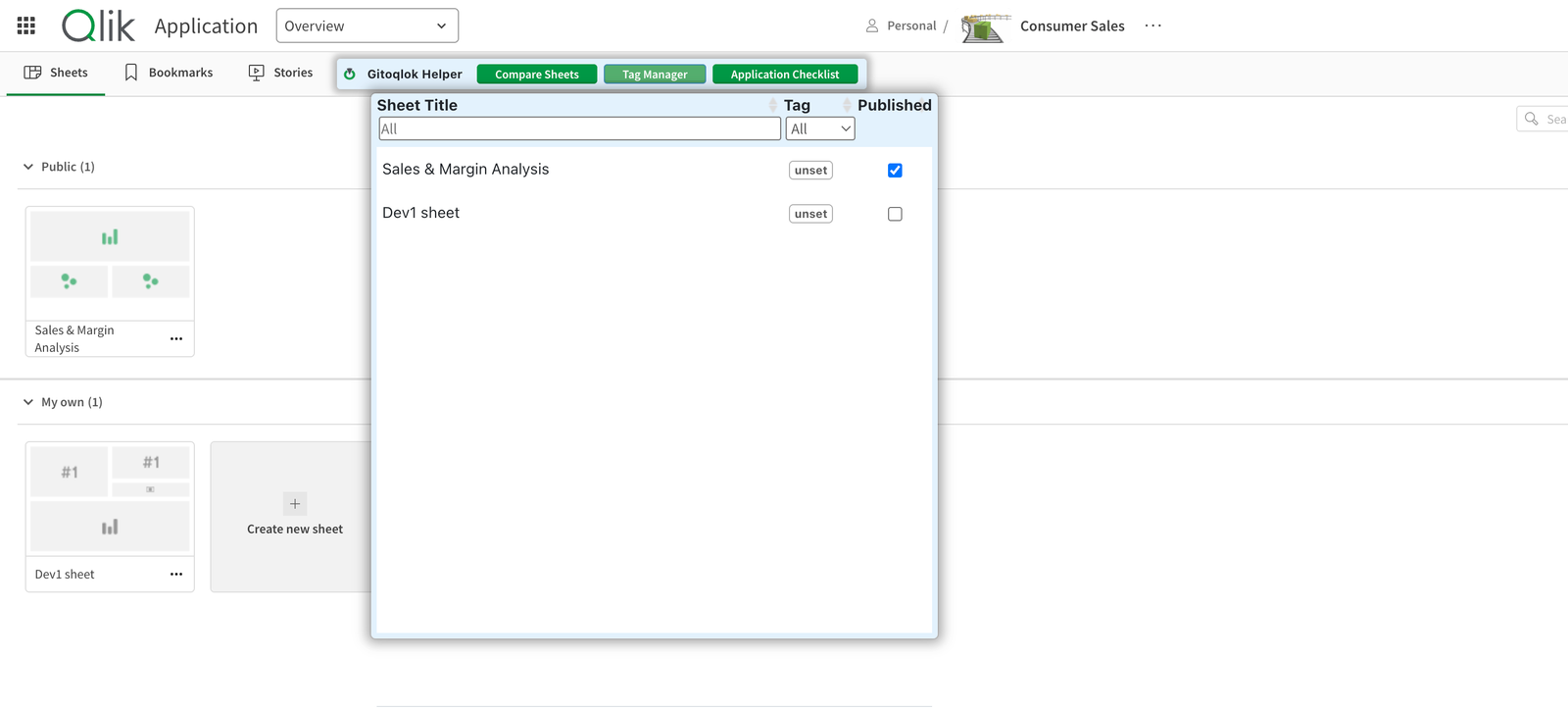
The table lists every sheet with its Tag and a Published check box that reflects the real state. Filter by title or tag.
Set tags
Click the tag of a sheet and choose Public, Private or Not set. Tags are stored as sheet metadata, so they travel with the app and are versioned with it.
The Published check box is live
Ticking Published publishes the sheet immediately; unticking it makes the sheet private. Use it deliberately.
Reminders
- A sheet tagged Public that is still private is highlighted in the table.
- In sheet edit mode, a banner This sheet is tagged as "Public" offers Make Public when you finish editing such a sheet.
- The Publish App dialog lists all sheets tagged Public that are still private under Publish sheets tagged "Public" so you can publish them together with the app.