
Time Machine
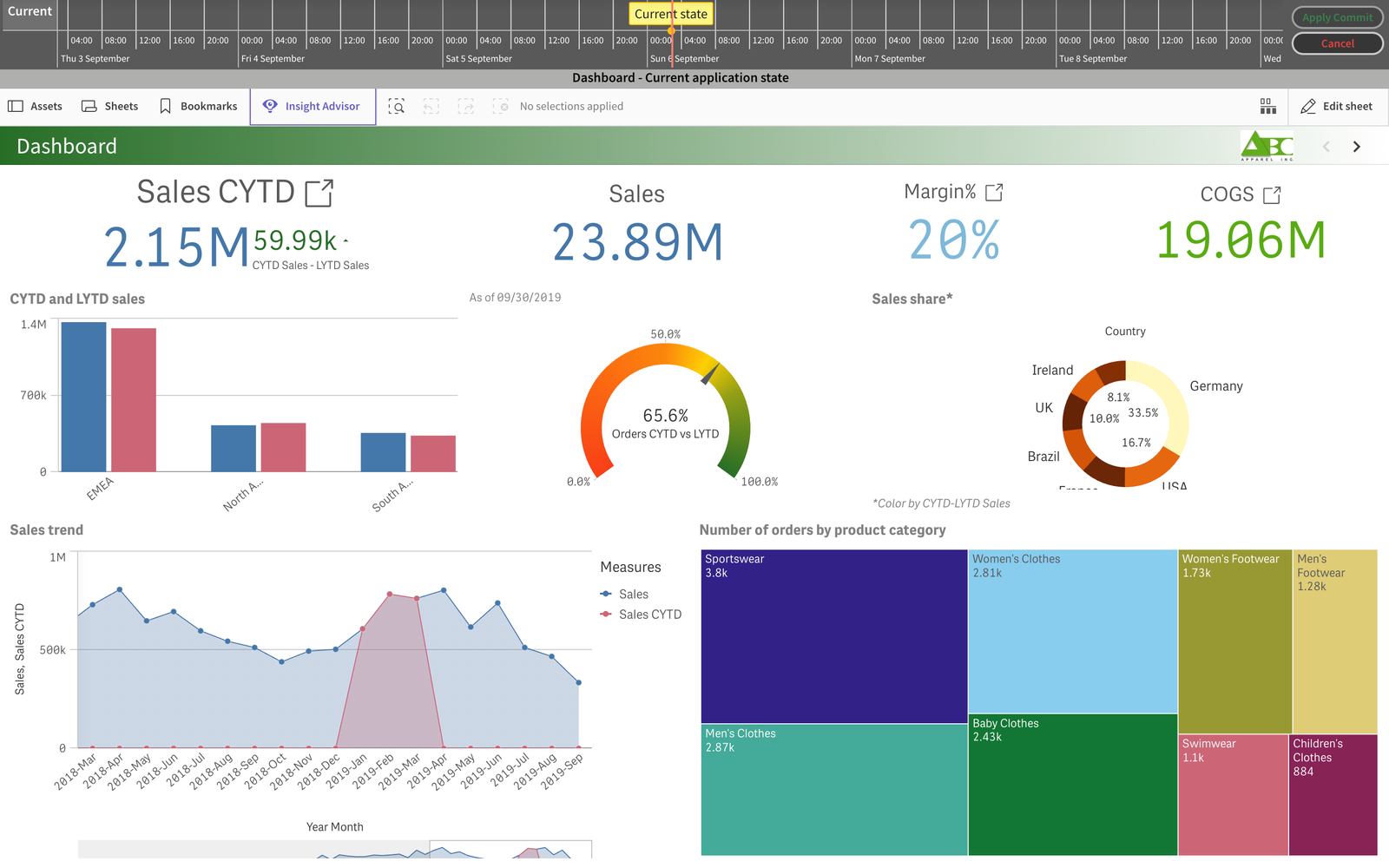
Time Machine renders a sheet as it was in any commit of the repository. A timeline at the top of the page shows the commits; drag the marker or click a commit and the sheet below re-renders with that version's charts.
Open a sheet
Open a sheet of an app that has a linked repository with at least one commit.
Start Time Machine
Click the green Gitoqlok button next to the app name and choose Time machine.
Travel
The timeline shows the days with a mark per commit; the yellow Current state marker is the live app. Click a commit to render that version. Commits of different users are separated into swimlanes, so you can see who changed the sheet when.
Apply or cancel
Apply Commit replaces the sheet in the app with the version you are looking at (only this sheet, not the whole app). Cancel closes Time Machine without changes.
Notes
- Time Machine shows sheet objects; the load script and data are not part of it. Use Load Script Diff for the script.
- The rendered version uses the current data of the app, so numbers reflect today's data with yesterday's layout.
- To compare two versions side by side instead of flipping between them, use the Diff Viewer.
Video tutorials
Timeline swimlanes: