
Import Data Connections
Data connections committed with an app (see Commit Changes) can be recreated on any server or tenant from the hub popup.
Open the dialog
On the hub, click the Gitoqlok icon → Import Data Connections.
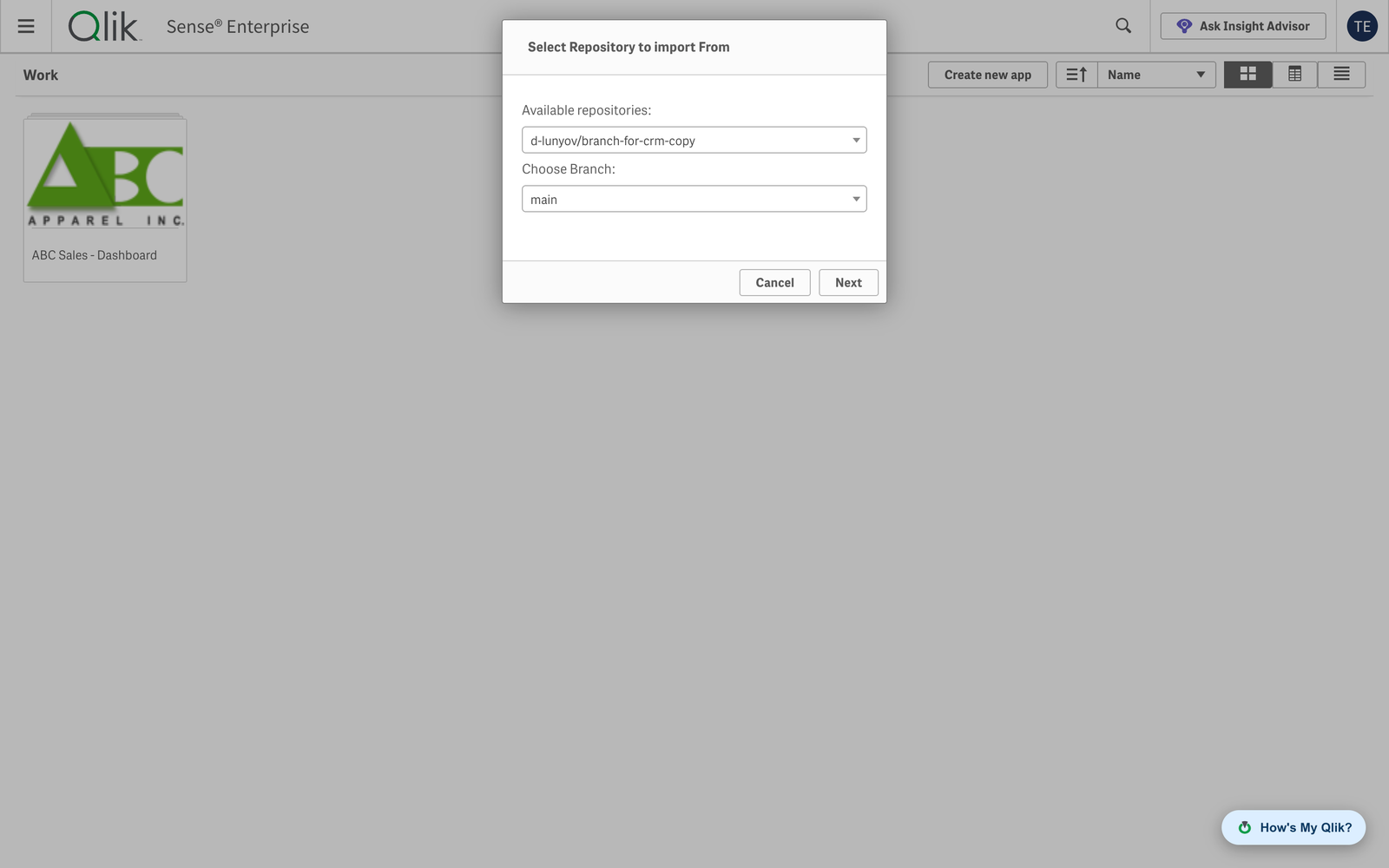
Select repository and branch
Pick the repository and the branch that contain the connections and click Next. If the repository has no committed connections, Gitoqlok says so.
Choose the target and the connections
On Qlik Cloud, choose the space (Personal or a shared space) where the connections are created. The table lists the connections from the repository and marks those that already exist as Conflicted; existing connections are not overwritten.
Import
Select the connections and click Import. Credentials are not stored in the repository, so connections that need a password must be edited after the import.
On Qlik Sense Enterprise the Environment Migration tool offers the same for data connections together with all other QMC objects.