
Bitbucket Cloud
Bitbucket Cloud supports two authentication methods. API Token is recommended; App Password is kept for existing setups and is deprecated by Atlassian.
Create an API token with scopes
Open id.atlassian.com/manage-profile/security/api-tokens → Create API token with scopes → choose Bitbucket and grant:
read:user:bitbucket, read:repository:bitbucket, write:repository:bitbucket, admin:repository:bitbucket, read:workspace:bitbucket, read:project:bitbucket, write:pullrequest:bitbucket
Copy the token.
Add the server profile
Options page → Git Servers → + Add a new server → Bitbucket Cloud.
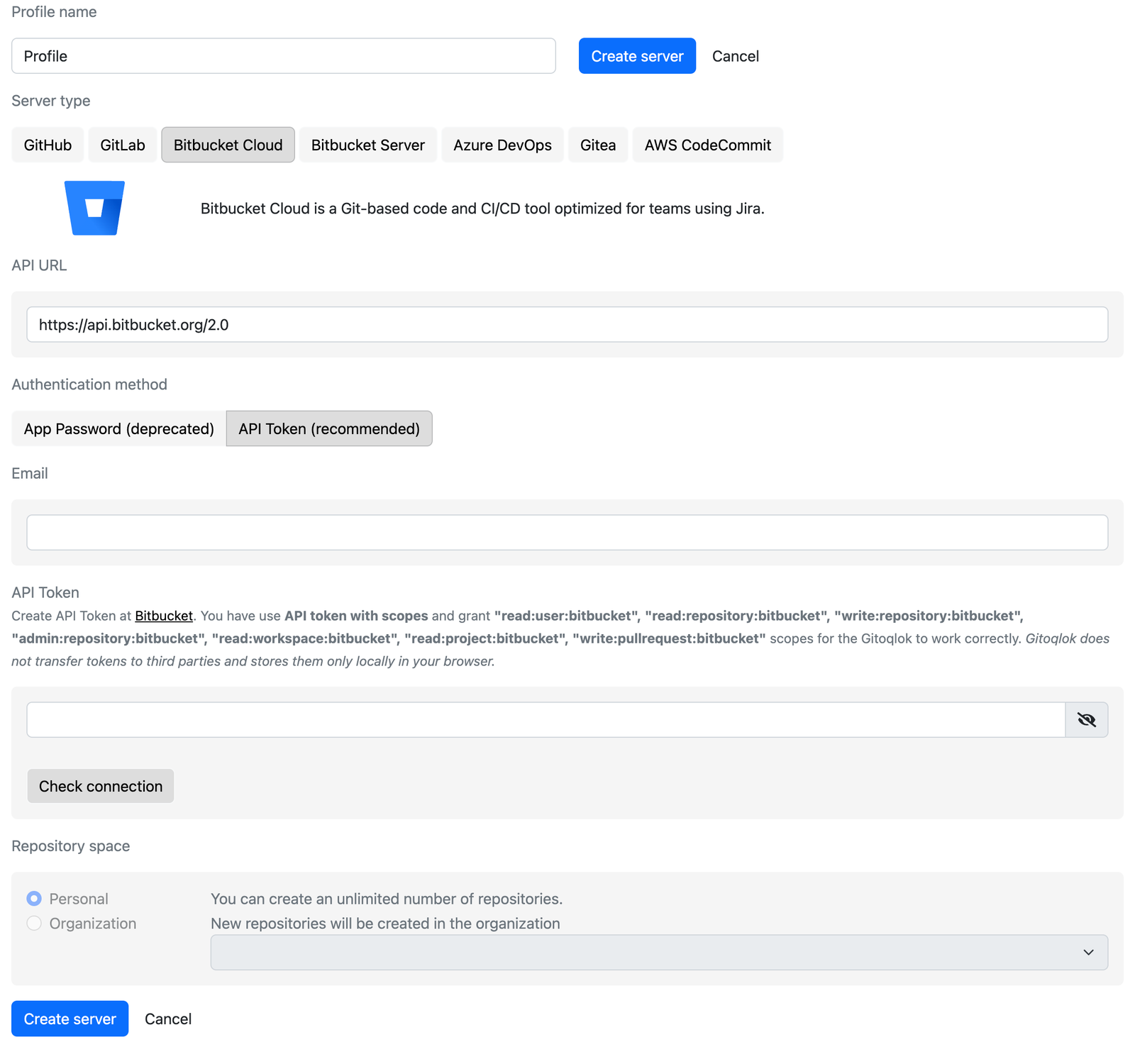
- API URL: keep
https://api.bitbucket.org/2.0. - Authentication method: API Token (recommended).
- Email: the e-mail of your Atlassian account.
- API Token: paste the token and click Check connection.
Choose the repository space
Personal uses your own workspace. Organization lets you pick a shared workspace; Gitoqlok then also asks for the project inside the workspace where new repositories are created.
Create the server
Click Create server.
Using an app password instead
Select App Password (deprecated), enter your Username (login) and an app password created at bitbucket.org/account/settings/app-passwords with the permissions Projects: write, Repositories: write, Repositories: admin, Account: read, Workspace membership: read and Pull requests: write.
Notes
- Bitbucket Cloud accepts at most 100 files per commit through its API. Gitoqlok splits large commits into several parts automatically, so committing a big app takes longer than on GitHub or Azure DevOps.
- Bitbucket Cloud blocks pushes with files over 100 MB. If you commit QVF files or large attached files, turn the limit off in Repository settings → Repository details → Advanced of the repository.