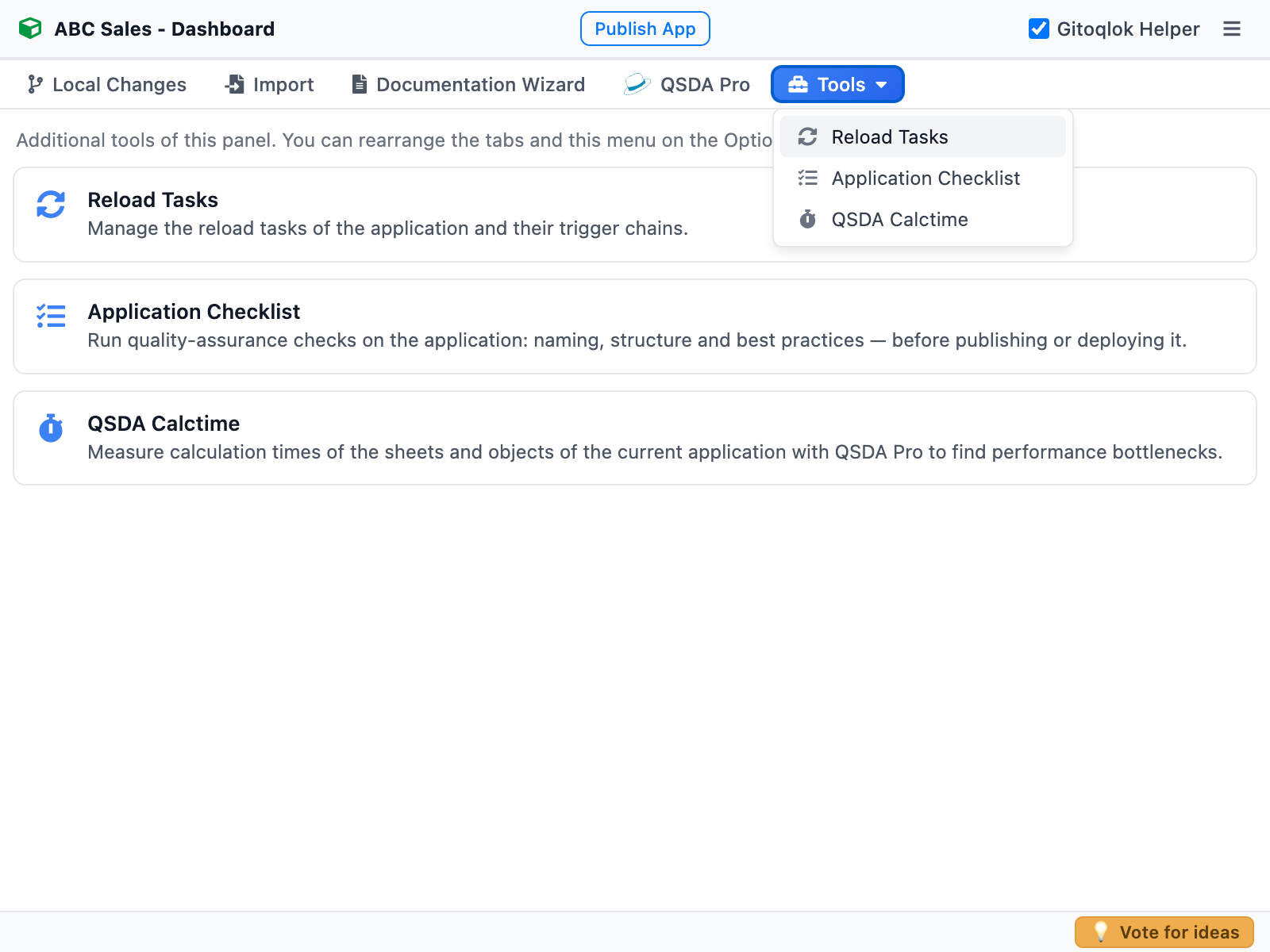
Tools
Besides commits and branches, Gitoqlok bundles a set of developer and admin tools. Most of them live as tabs in the popup and side panel (the Tools dropdown by default); a few open on separate pages.
Qlik Cloudsupported Qlik Sense Enterprisesupported
| Tool | Where | Qlik Cloud | Enterprise | Needs Git |
|---|---|---|---|---|
| Documentation Wizard | Tab | ✓ | ✓ | yes |
| Pre-deployment Checklist | Tab, Helper bar, icon menu | ✓ | ✓ | to share checklists |
| Reload Tasks | Tab | – | ✓ | no |
| Glossary | Tab | ✓ | – | no |
| QSDA Pro | Tab | ✓ | ✓ | no (QSDA Pro server) |
| QSDA Calctime | Tab, icon menu | ✓ | ✓ | no |
| Qlik Environment, Wrapped | Hub button | ✓ | ✓ | optional |
| Import Data Connections | Hub popup | ✓ | ✓ | yes |
| Environment Migration | Hub popup → own page | – | ✓ | optional |
| Security Rules Manager | QMC popup → own page | – | ✓ | yes |
| Pre-deployment Checklist for Power BI | Popup / side panel on a Power BI report | Power BI service | Power BI service | to share checklists |
The tab order and the split between the tab bar and the Tools dropdown are configurable in UI Options.