
Publish, Move, Duplicate
Qlik Cloudsupported Qlik Sense Enterprisesupported Git serveroptional
The header of the popup and side panel carries the app actions that a version-controlled workflow needs most often. None of them requires a repository, except Duplicate App, which creates a branch.
Publish App
Click Publish App on an unpublished app.
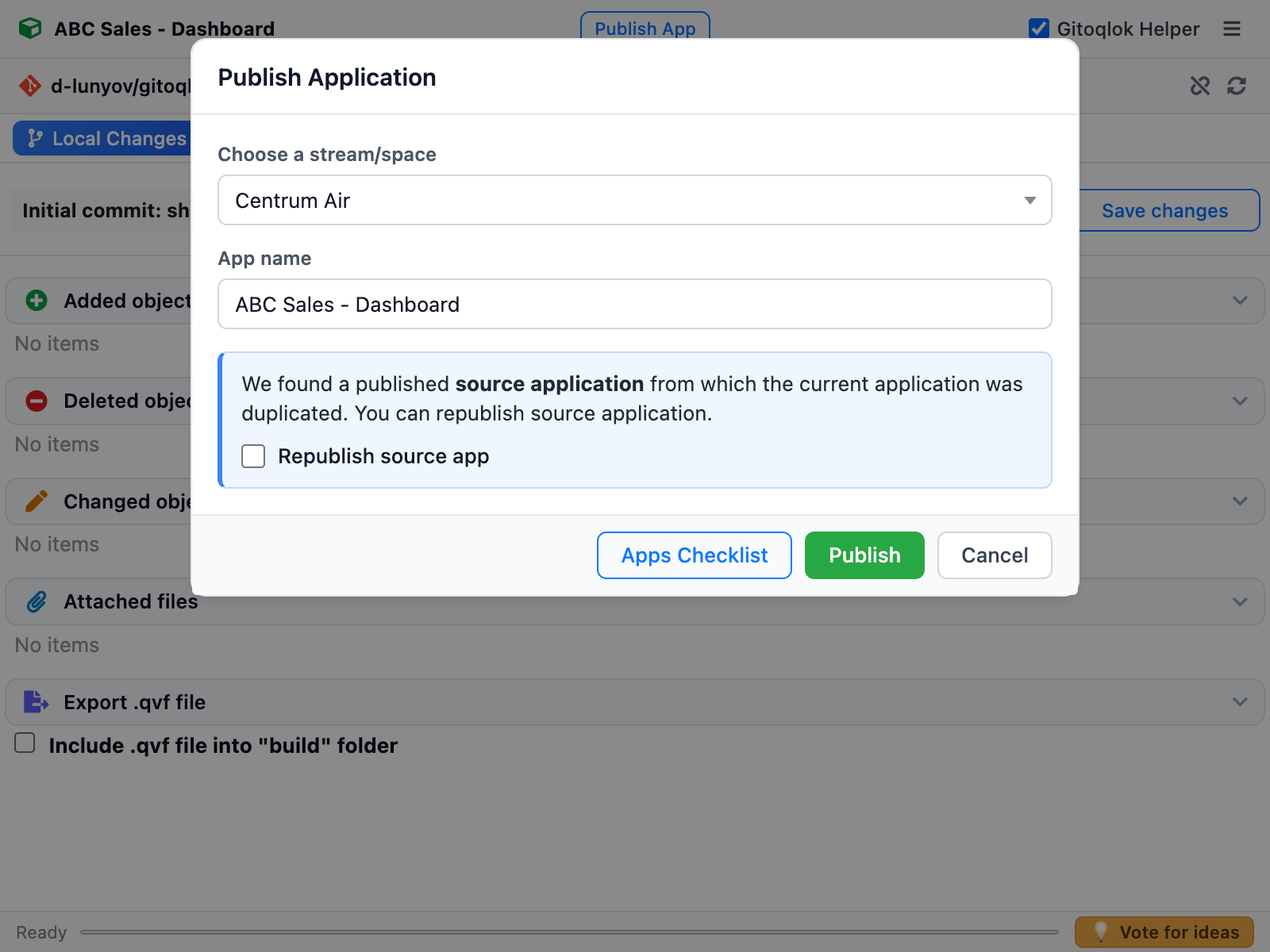
| Field | Meaning |
|---|---|
| Choose a stream/space | Target stream (Enterprise) or managed space (Qlik Cloud) |
| App name | Name of the published app |
| Description | Optional description |
| Replace existing app | Republishes over an app already in the stream. The replaced app — its data and objects — is completely lost |
| Include data | Publish with the loaded data |
| Republish source app | Shown when the current app is a copy of a published app: republish the original instead of creating a new published app |
| Publish sheets tagged "Public" (Qlik Cloud) | Sheets marked Public in the Tags Manager but still private are listed here so you do not forget to publish them |
Apps Checklist opens the Pre-deployment Checklist so you can run the pre-deployment checks before clicking Publish.
Move App
On a published app the button reads Move App. The dialog lets you choose another stream or space and, with Replace existing app, replace a published app there.
Duplicate App
The dropdown next to the header button offers Duplicate App. Enter the Branch name and an optional App name; Gitoqlok duplicates the app in Qlik and links the copy to a new branch of the current repository. See Branches.