
Azure DevOps
Have an organization and a project
Azure DevOps repositories always live inside a project of an organization. If you do not have them yet, create an organization and a project.
Add the server profile
Options page → Git Servers → + Add a new server → Azure DevOps.
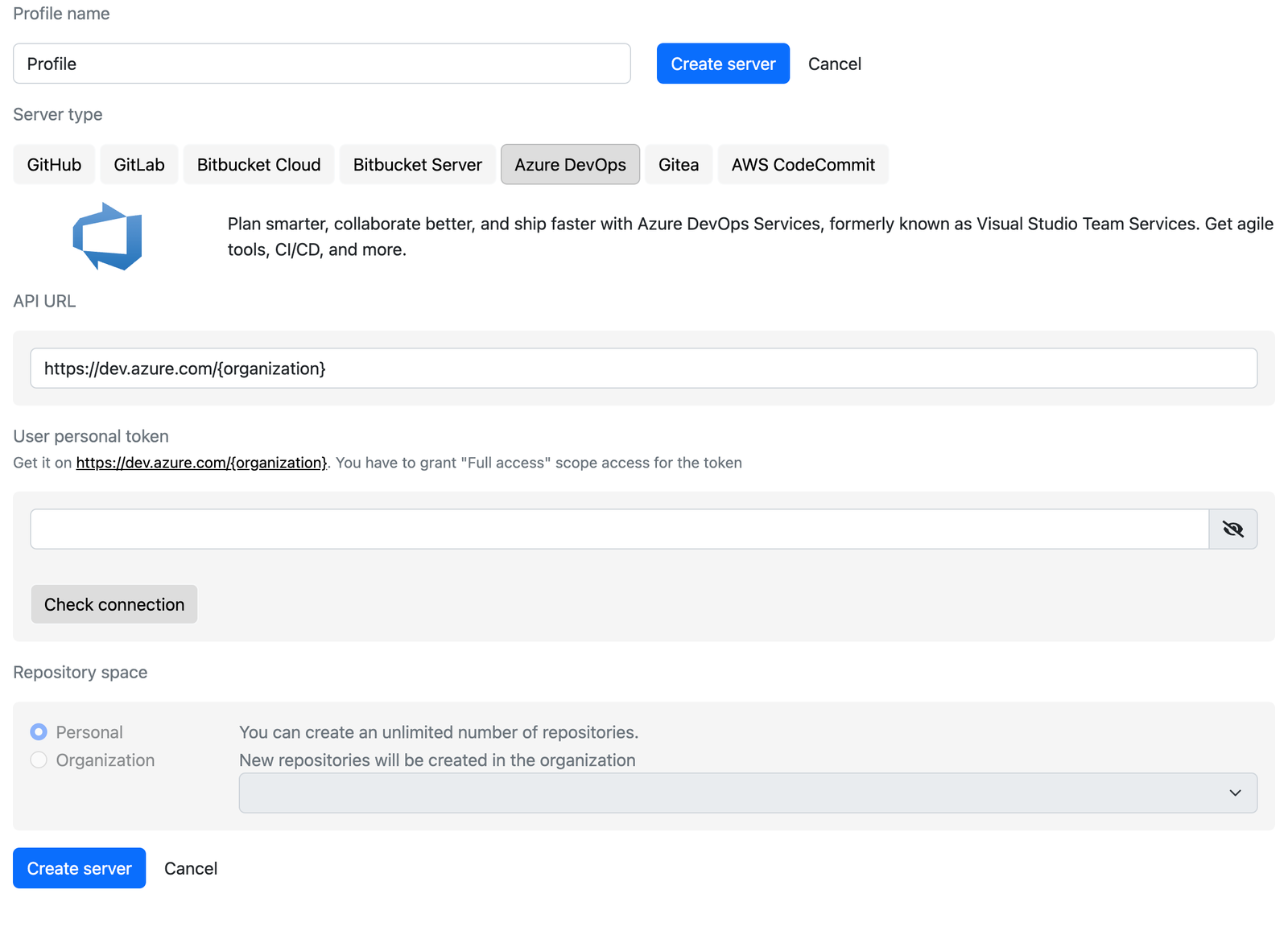
- API URL: replace
{organization}inhttps://dev.azure.com/{organization}with your organization name.
Create a personal access token
After the URL is filled in, the link under User personal token points to the token page of your organization (https://dev.azure.com/<organization>/_usersSettings/tokens). Create a token with Full access scope, copy it, paste it into the field and click Check connection.
Choose the project
Azure DevOps profiles always use the Organization repository space. Select the project in which Gitoqlok will create repositories. The list is empty until the organization has at least one project.
Create the server
Click Create server.
Notes
- Azure DevOps is one of the fastest providers for large apps: a commit of a few thousand files takes seconds.
- Azure DevOps Server (on-premises) works with the same form; enter the collection URL as the API URL.