
Reload Tasks
Qlik Sense Enterprise only
Reload tasks are a QMC concept; the tab is hidden on Qlik Cloud.
The Reload Tasks tab lists the reload tasks of the current app with their status and schedule and draws the task chain — the tasks that trigger this app's reload and the tasks it triggers.
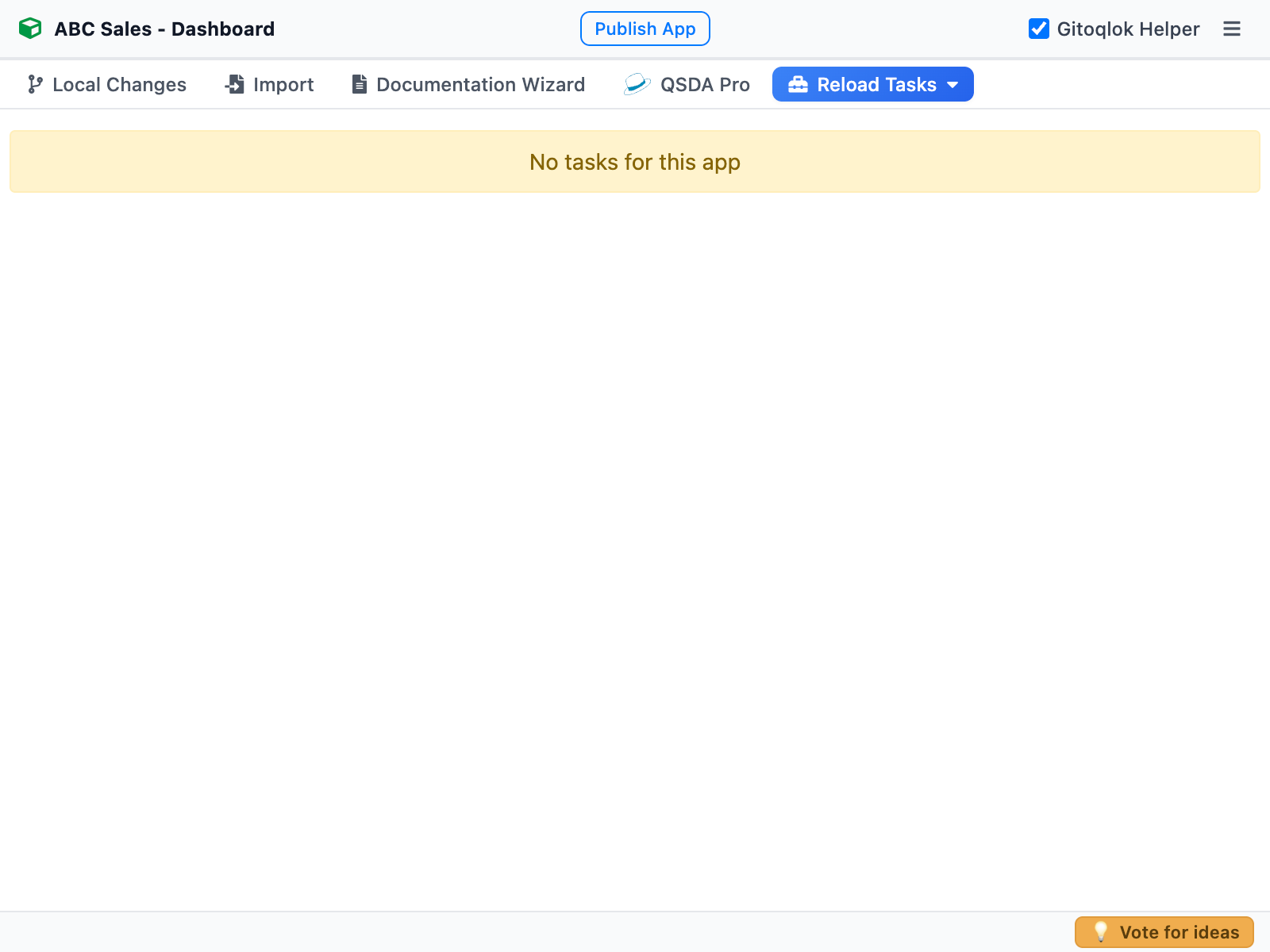 An app without tasks
What you see
For every task: App, Scheduled Event, Last Execution Status, Last Execution Start Time, Duration, Stop Time, Next Execution, State, Partial reload flag, Start and End dates of the schedule, and a link to the task in the QMC. Expand a row for the details; the table grows with the expanded row in the side panel.
Below the table the task chain diagram shows the preceding and following tasks as a tree; the current app's task is highlighted in green. Each node links to its app.
Tasks in the repository
Tick Reload Tasks and Data Connections in the commit form to store the app's tasks in the reload_tasks folder of the repository. They can be recreated on another server by Environment Migration (Import → Reload Tasks) together with the triggers, which is the way to move a task chain between environments.