
QSDA Pro
The QSDA Pro tab shows the analyses that a connected QSDA Pro server holds for the current app: the flags grouped by category (Practice, Quality, Resource, Performance) with their details.
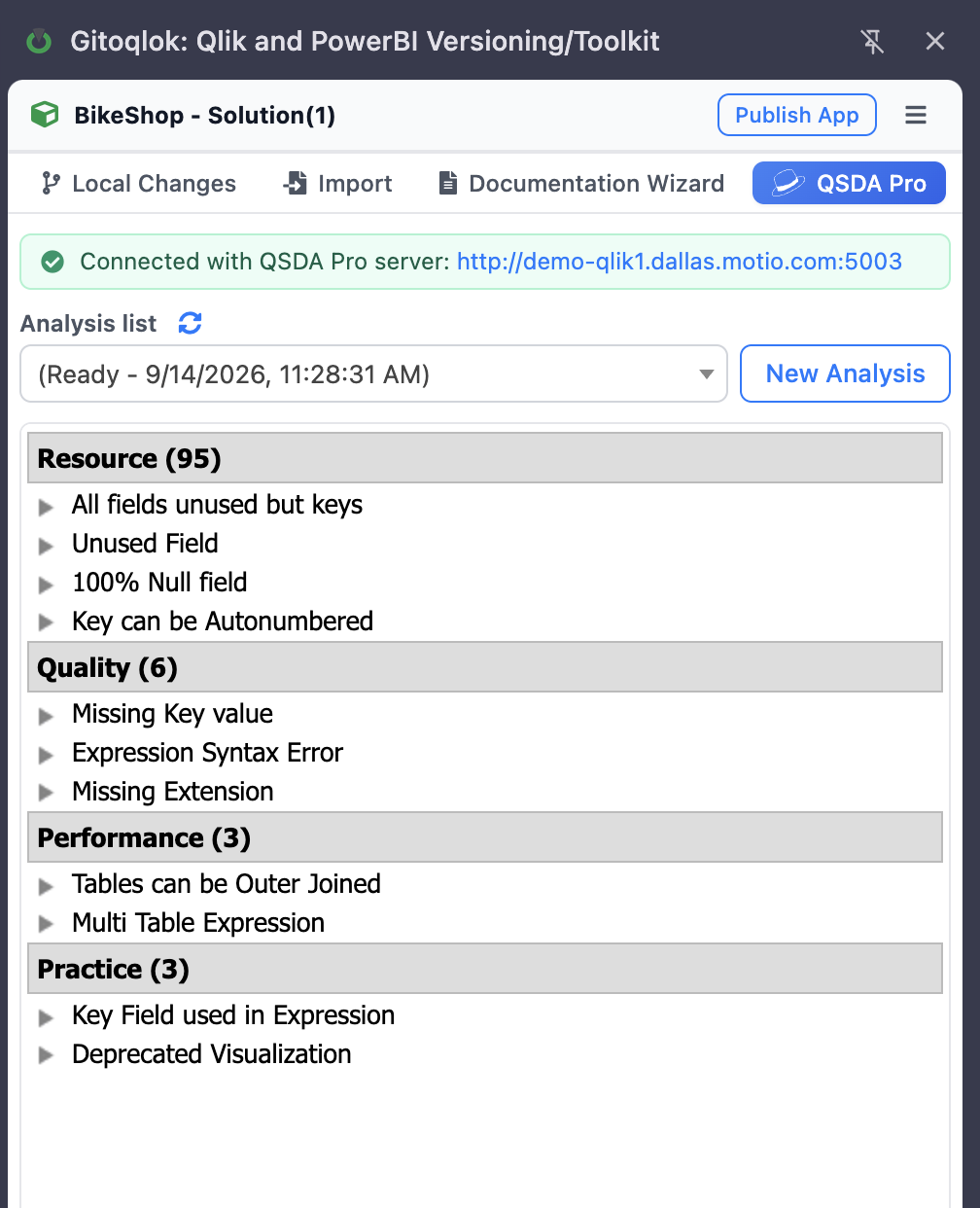
Browse analyses
The Analysis list dropdown lists the analyses of the app; the refresh icon reloads the list. Select one to see the flag counts per category and expand a category to read each flag with the affected objects.
New Analysis
Click New Analysis, choose the QSDA Pro connection to the Qlik server, enter a description, optionally a bookmark to apply, the Qlik timeout, and whether to collect calculation time and include disabled properties. Click Create and wait until the status reaches 100 %; the analysis then appears in the dropdown.
Without a connection
If no QSDA Pro server is configured, the tab explains that this Qlik server or tenant is not connected and links to the Options page. QSDA Calctime still works without QSDA Pro.