
Environment Migration
Qlik Sense Enterprise only
The tool works with the Qlik Repository Service (QRS) of a client-managed site.
Environment Migration backs up and restores QMC objects. Typical uses: move apps and task chains from DEV to PROD, keep a backup of security rules and custom properties in Git, restore a deleted tag or stream.
Open it from the hub popup → Env Migration. It opens in its own tab.
Export
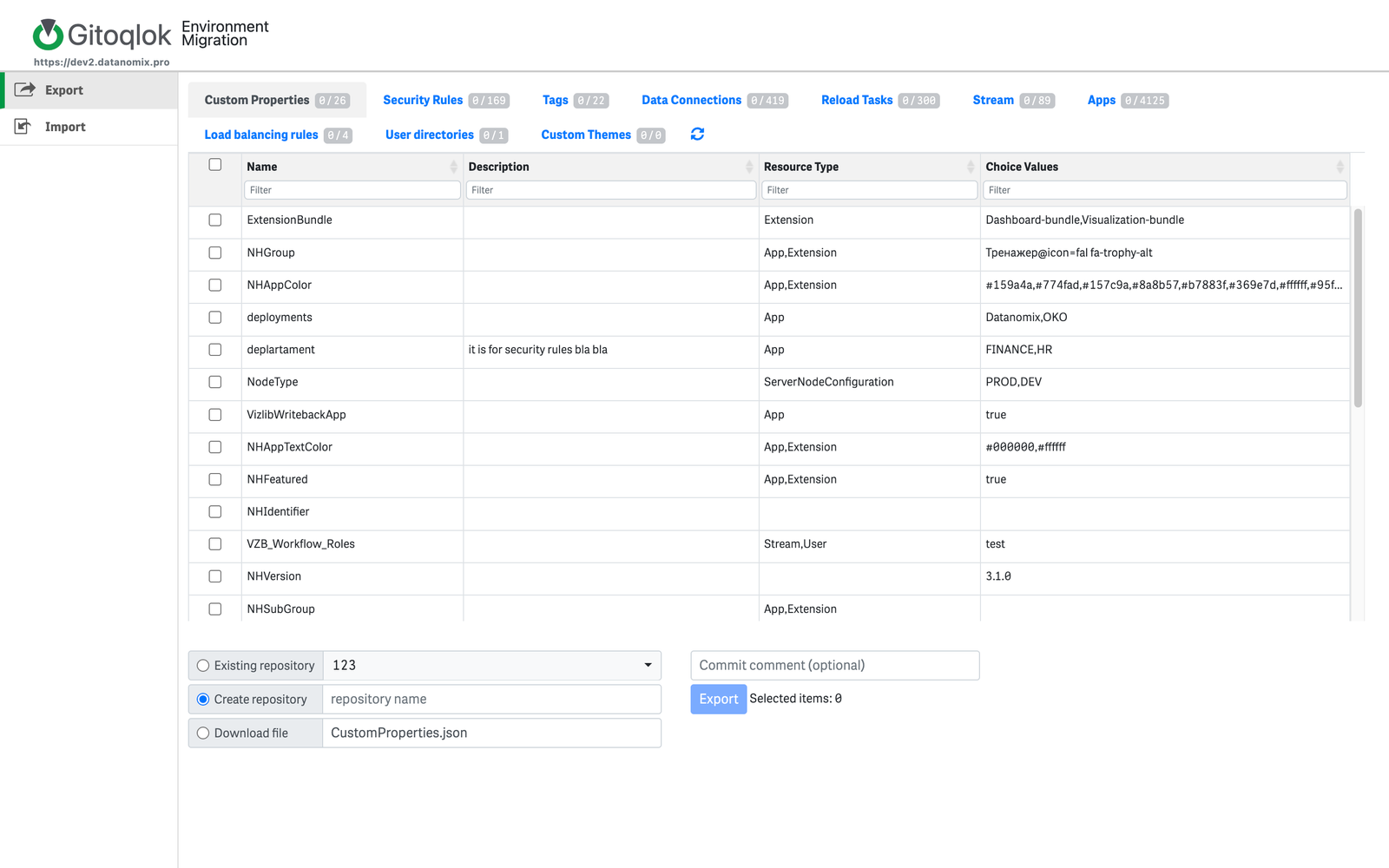
The tabs across the top are the object types: Custom Properties, Security Rules, Tags, Data Connections, Reload Tasks, Stream, Apps, Load balancing rules, User directories, Custom Themes. Each tab shows a filterable table with the number of selected items.
Select objects
Filter the table (name, description, owner, stream, …) and tick the objects. Selections accumulate across tabs; the counters show how many are selected per type.
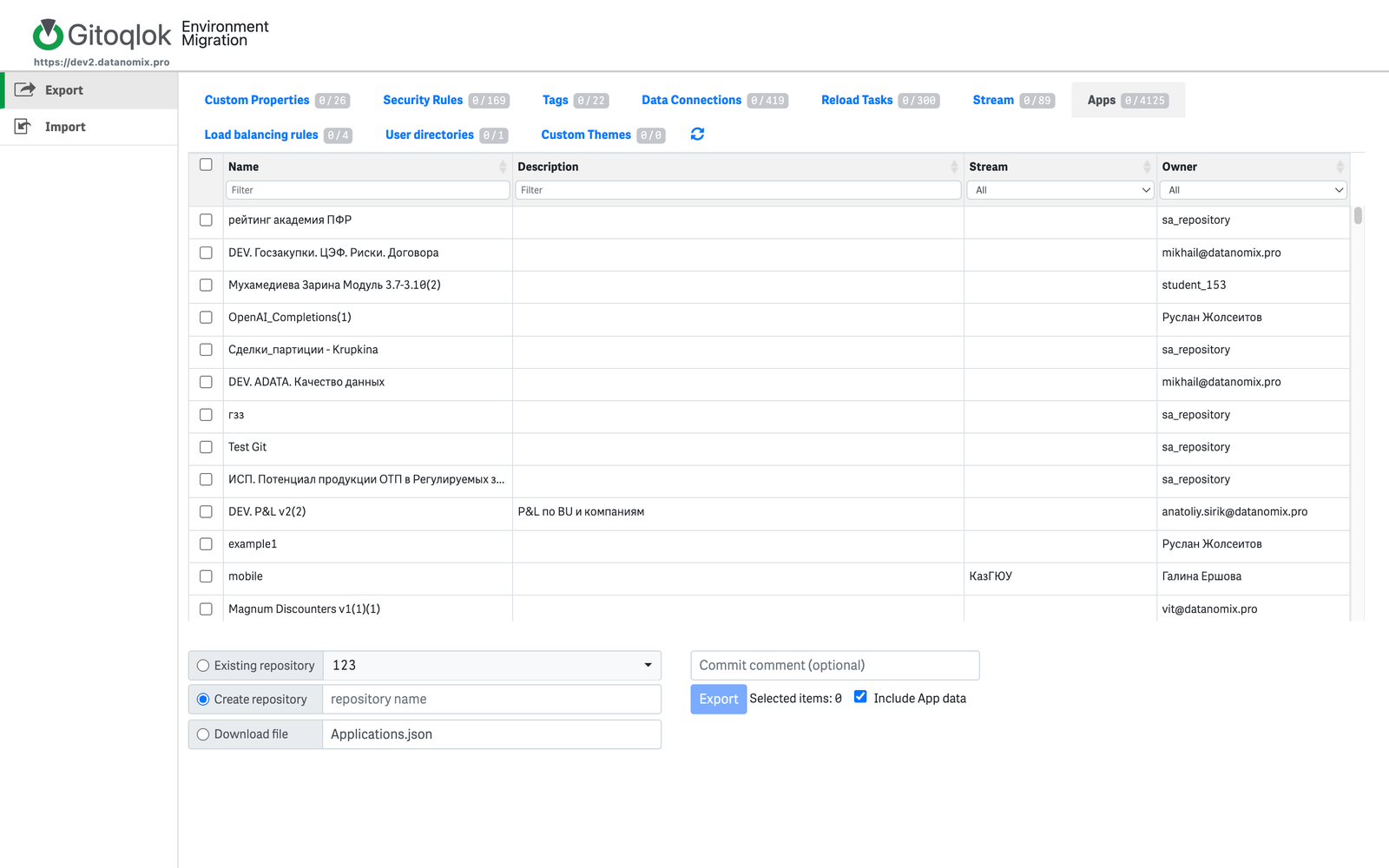
For apps, Include App data exports the QVF with data; untick it for a design-only export.
Choose the destination
- Existing repository — select one of your repositories.
- Create repository — enter a name; the repository is created in the active Git profile.
- Download file — save a JSON (and QVF files) locally. The download dialog offers Download as a Single File, Download All, the
<appId>.qvfandApplication.jsonlinks.
Export
Add an optional commit comment and click Export. The repository receives a folder per object type.
Import
Choose the source
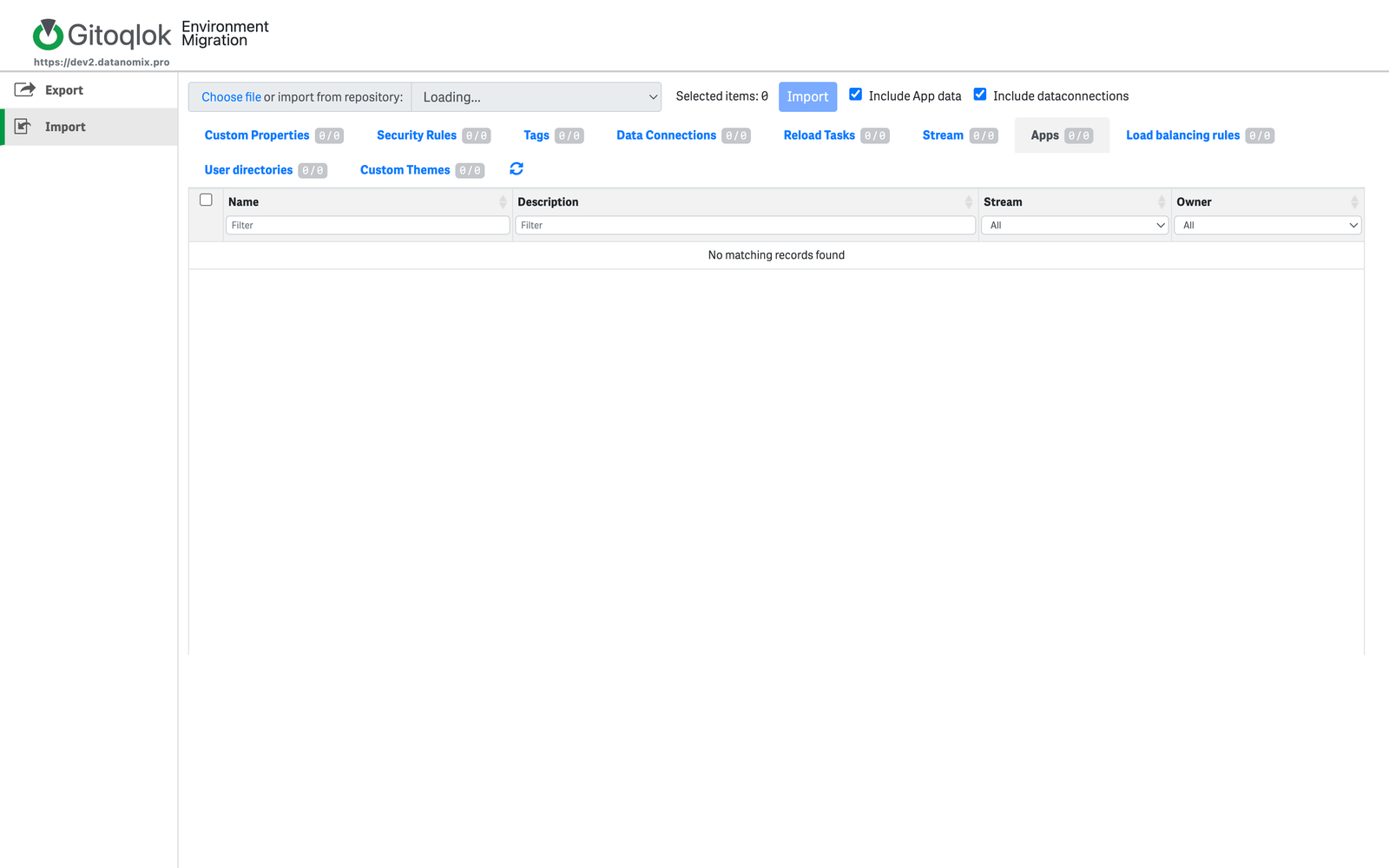
Choose file to upload an export, or pick a repository in import from repository.
Select objects
The same object-type tabs list what the source contains. Tick the objects to import. Include App data imports QVFs with data; Include dataconnections brings the data connections apps depend on.
Import
Click Import. Objects are created or updated in the QMC of the current server; existing objects with the same ID are updated to the exported version, which is how a changed tag or rule is rolled back.
Notes
- Security rules exported here are also the source of the Security Rules Manager history.
- Reload tasks are imported with their triggers, so whole task chains can be migrated.
- Your Qlik user needs QMC rights to read and write the object types you migrate.
Video tutorials
Import: