
GitHub
Create a personal access token
Open github.com/settings/tokens → Generate new token (classic). Give it a name and an expiration and select the repo scope (full control of private repositories). Copy the generated token — GitHub shows it only once.
Fine-grained tokens also work if they grant Contents: read and write, Metadata: read and Administration: read and write (needed to create repositories) on the repositories or the organization you plan to use.
Add the server profile
Options page → Git Servers → + Add a new server. Keep GitHub selected.
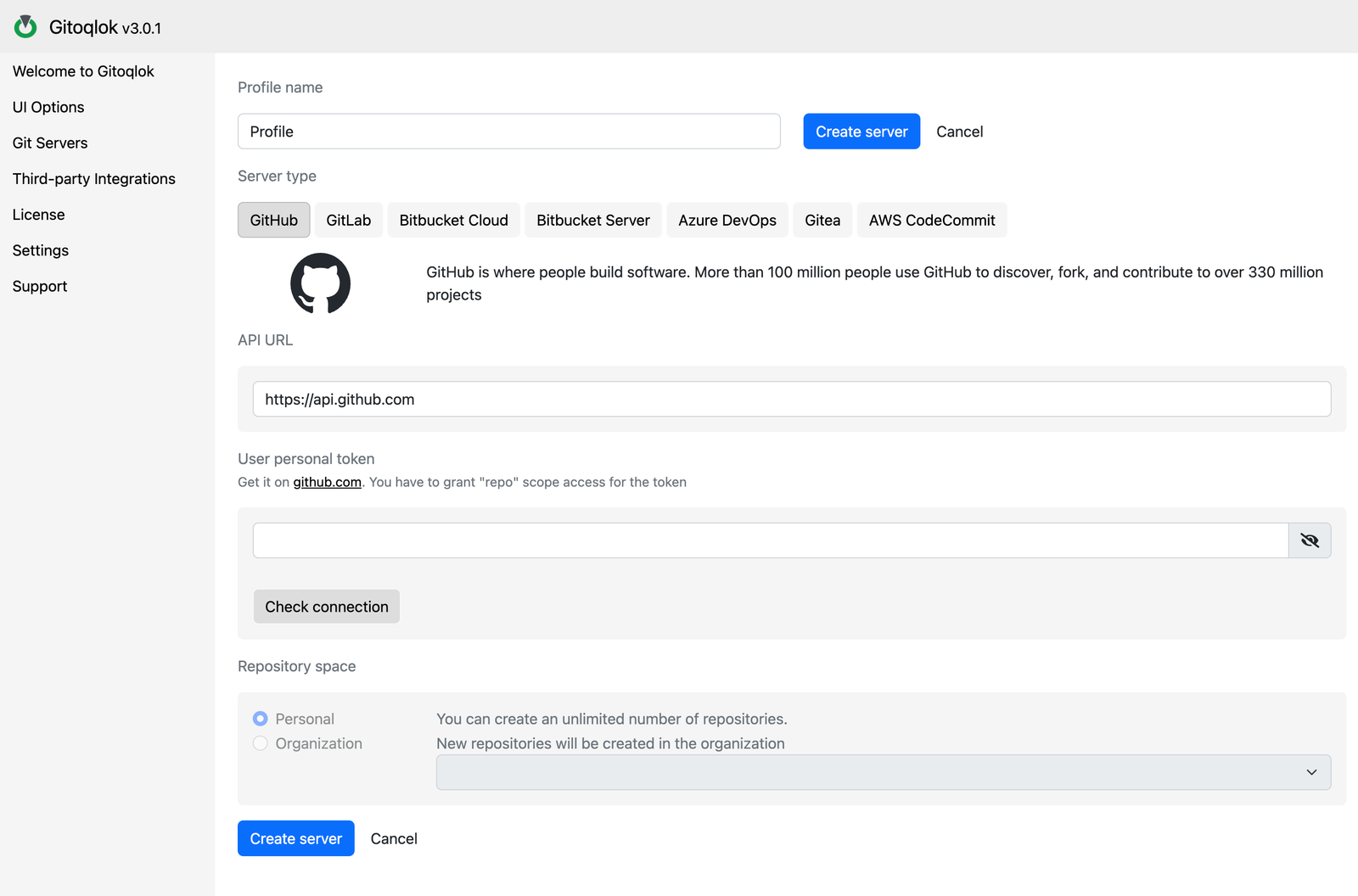
- API URL:
https://api.github.comfor github.com. For GitHub Enterprise Server usehttps://<your-host>/api/v3. - User personal token: paste the token.
- Click Check connection. The message confirms the user and lists missing scopes if any.
Choose the repository space
Personal creates repositories under your account. Organization lists the organizations your token can see; new repositories will be created there, and the popup will list the organization's repositories when you connect an app to an existing one.
Create the server
Click Create server. The profile becomes active. You can now open any Qlik app and create a repository.
Notes
- Repository visibility (private or public) and the naming pattern are set per profile in Repository Settings.
- Gitoqlok links an app to a repository by writing the app ID into the repository description. Do not edit the description by hand.
- GitHub limits authenticated API calls to 5,000 per hour. Gitoqlok downloads repository archives instead of single files where possible, so even large apps stay well below the limit.