
Apps Manager (bulk repository creation)
The Apps Manager lists the apps of a Qlik server or tenant, shows which of them already have a repository and creates repositories for the selected ones in one go, each with an initial commit.
Open it
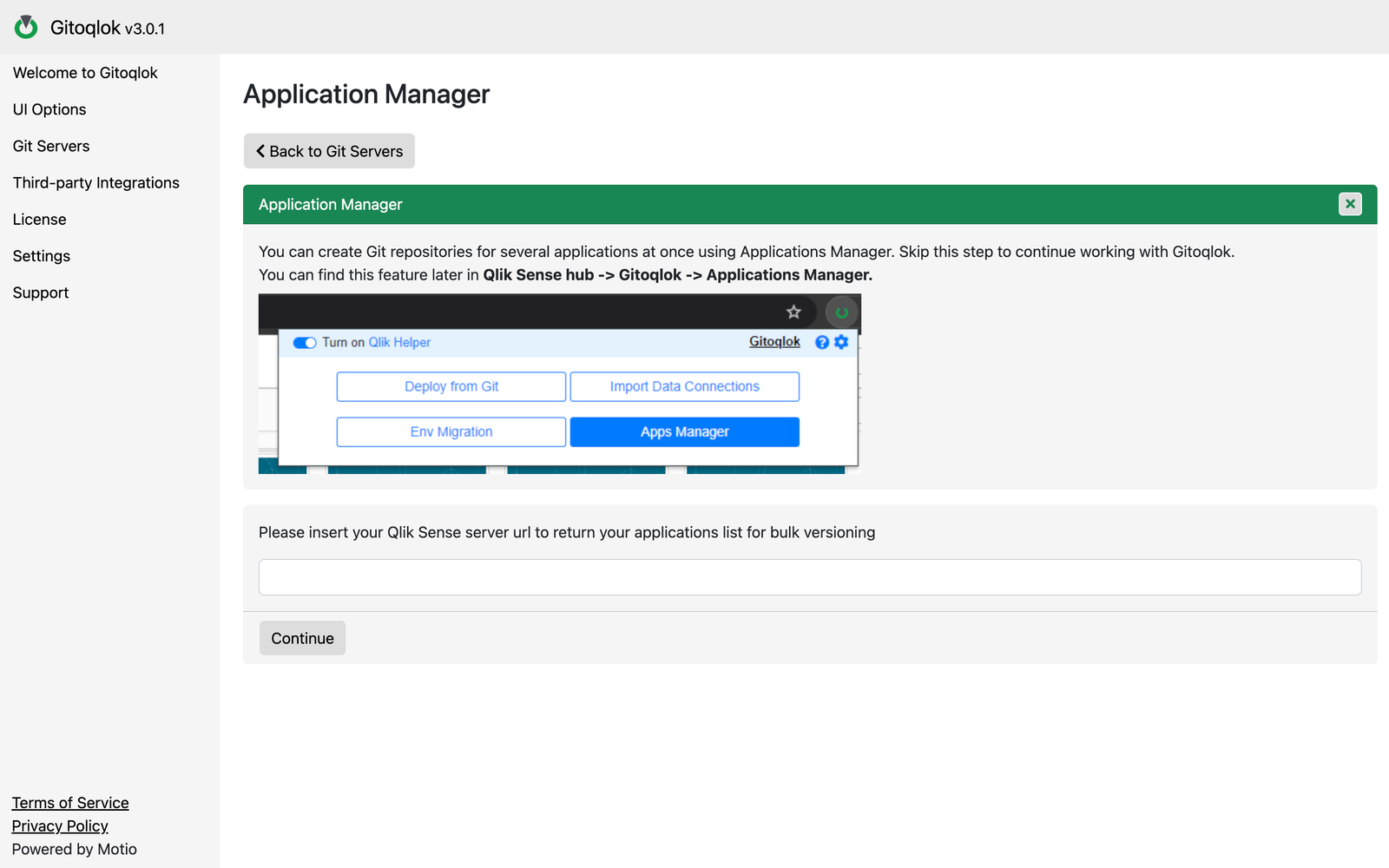
- From the Qlik hub popup → Apps Manager. The URL of the current server is passed automatically.
- From the Options page → Git Servers → Apps Manager next to a profile, or right after creating a profile. Enter the URL of your Qlik server or tenant and click Continue.
Keep the hub tab open
The Apps Manager reads the app list and creates the initial commits through a Qlik hub tab that it opens (or the one you came from). Do not close that tab while repositories are being created.
Select the apps
The table lists the apps you can see with their name, description, stream or space, owner and the linked repository if one exists. Filter by owner, date or space and tick the apps to version.
Set the naming convention
Click Create repositories. A dialog shows the naming pattern (the same variables as in Repository Settings: $qlikAppName, $qlikAppId, $qlikUserName) and the delimiter; adjust and click Continue.
Wait for the initial commits
Gitoqlok creates one repository per app and commits the app objects. Progress is shown per app; the repository column fills in as each app finishes.
The initial commit made by the Apps Manager contains the app objects. Open each app and use Save changes to add the load script, bookmarks or data connections when you need them.
License
Without a license Gitoqlok links up to 30 repositories per organization, and the Apps Manager reaches that ceiling quickly on a large tenant. A 30-day Platinum trial is free — request one.